
Oct 13, 2026
Understanding Healthcare: Medicare Coverage and Resources
What is Medicare Open Enrollment?
Medicare Open Enrollment is an annual window of time in which people who currently have Medicare can review, change, or drop their health and prescription drug plans.
When is Medicare Open Enrollment?
Medicare Open Enrollment takes place every year from October 15 through December 7. Changes made during this time will take effect on January 1 of the upcoming year.
Learn more about Open Enrollment
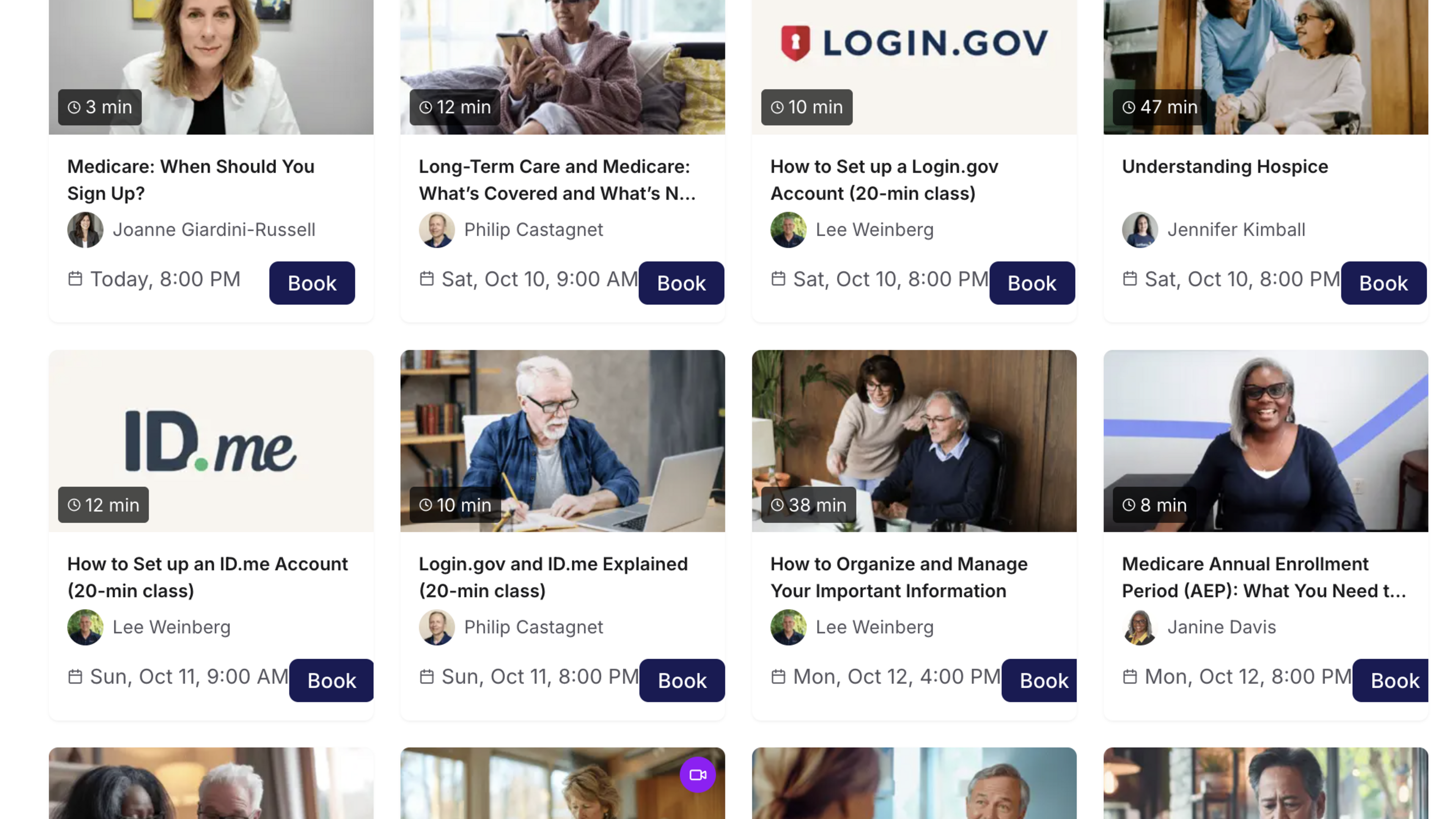
Medicare & Coverage Resources explained in Videos
Healthcare information can sometimes feel confusing. GetSetUp offers free recorded online videos to help you better understand Medicare and learn more about your coverage and healthcare choices. Topics covered include:
- Transition to Medicare: What to Know Before Turning 65 (20-min class)
- Medicare Basics: Understanding Part A & B Coverage (20-min class)
- Tips to Manage Your Medicare Costs and Reduce Expenses (20-min class)
- Long-Term Care and Medicare: What’s Covered and What’s Not (20-min class)
- Medicare Costs Explained: Simple and Clear (20-min class)
- and many, many more!
How to watch GetSetUp videos?
These free videos are available to watch anytime as recordings, or you can sign up for a live video session, which gives you the opportunity to ask questions. To get started you will need a computer, smart phone or device connected to the internet. Then you will need to:
- Open your web browser and head to www.getsetup.io or click on this link. (If you click on the link, you will be taken directly to the Healthcare Literacy Video page and can start exploring the video options.)
- Under the "Classes" tab on the top left, click on "Videos"
- You will now see a landing page featuring a variety of topics. You can click on the topic you are interested in learning about. If you would like to learn more about Medicare and Healthcare Literacy, click on the Healthcare Literacy Month series.
- Click on the image for the video you would like to access.
- To watch a pre-recorded class, click "Watch Now" on the right hand side of the screen. To sign up for a live video session during which you can ask questions, click "Book Now"